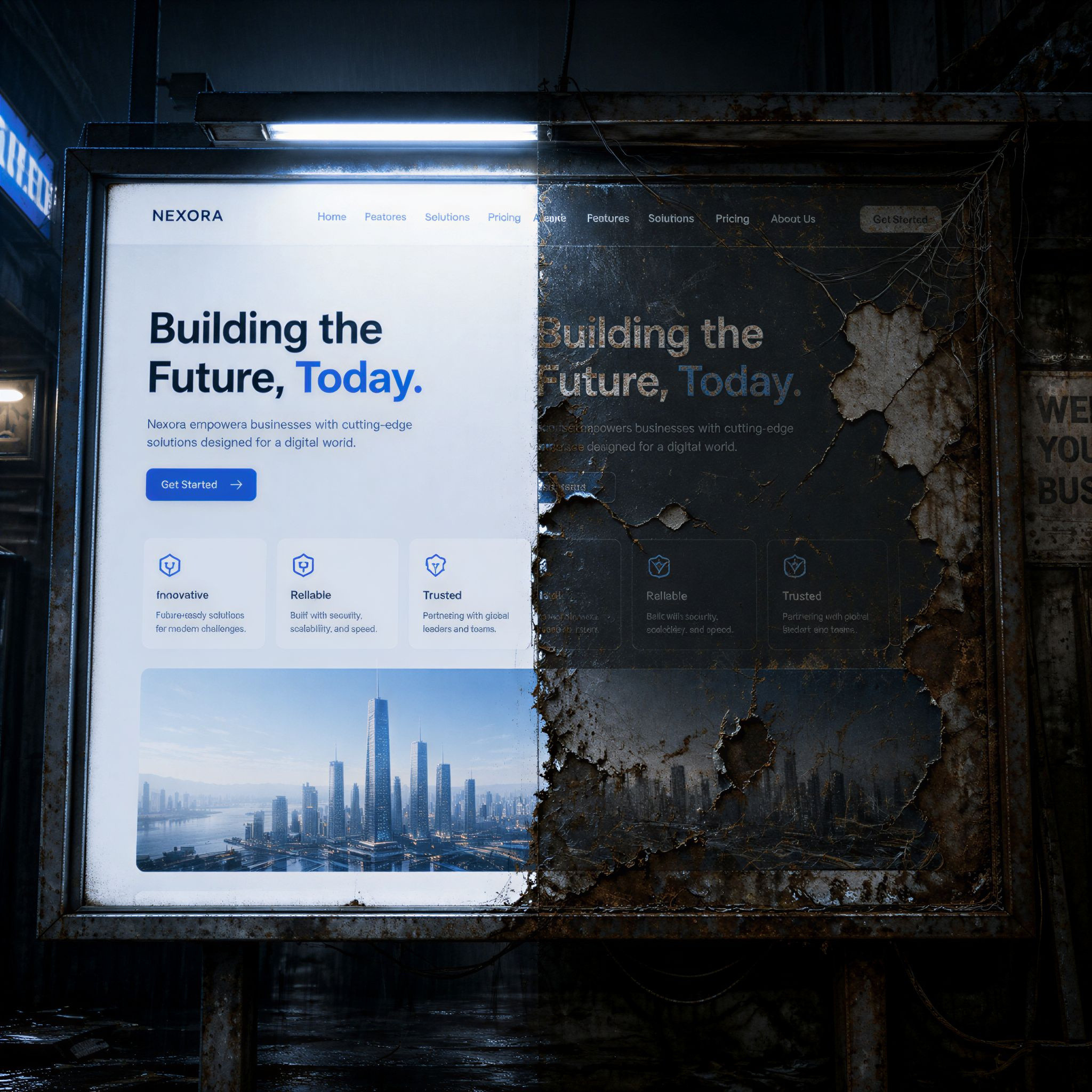
Maintaining a website doesn’t have to feel intimidating — even if you didn’t build it yourself. With the right mindset and tools, you can keep your site up-to-date, secure, and engaging without learning HTML or JavaScript. That said, there’s a big difference between content maintenance and holistic website care — and good design underpins both.
Here’s how you can take ownership of your site’s upkeep while still appreciating the craft and strategy a web designer brings to the table.
1. Understand What “Maintenance” Really Means
When we talk about keeping a site healthy without coding, we’re mostly talking about:
- Updating text and visuals
- Refreshing outdated information
- Making sure links and forms still work
- Monitoring basic performance and analytics
- Keeping an eye on user engagement
These tasks are important, but they’re just one layer of running a healthy online presence — not a replacement for thoughtful design or structural improvements.
2. Use Your Content Management System (CMS) With Confidence
Most modern websites run on a CMS (Content Management System) like WordPress or Joomla. These platforms are designed so site owners can:
- Edit text and replace images
- Add new pages or blog posts
- Manage menus and contact forms
- Publish updates without touching code
That’s because a CMS separates what you update (like content) from how it’s built (the design and structure — which is your designer’s domain).
👉 Tip: Before diving into maintenance, ask your designer for a quick orientation on your CMS dashboard — it’ll save you time and frustration later.
3. Keep Your Content Fresh and Relevant
Visitors — and search engines — love fresh content. You don’t need technical skills to:
- Update your About page when your team changes
- Refresh pricing and service offerings
- Share blogs, case studies, or testimonials
- Archive old events or promotions that are no longer relevant
Fresh content signals that your business is active and trustworthy.
4. Run Monthly Check-Ins — Like a Website Walkthrough
You don’t need to be a developer to do this. Just set up a simple checklist and spend 15–30 minutes a month on tasks like:
- Click through your key pages to ensure nothing is broken
- Test your contact and lead forms to make sure they send properly
- Check your most important CTAs (calls to action) for clarity
- Look for outdated links or old imagery
It’s like walking through a shop to make sure everything looks great before customers arrive — basic upkeep that makes a big difference.
5. Monitor Basic Performance Metrics
You don’t need to write code to understand how your site is performing:
- Tools like Google Analytics and Search Console are free and easy to connect
- They show you which pages your visitors love — and which ones they leave quickly
- You can even track bounce rates, mobile traffic, and session duration
This data helps you decide what to improve next — because maintenance should be strategic, not just reactive.
6. Use Built-In or Plugin Tools for Backups and Security
Most CMS platforms and hosts let you schedule backups — a lifesaver if something goes wrong. You can also activate plugins or built-in features that:
- Automatically backup your site regularly
- Scan for security issues
- Alert you to broken links or slow pages
These tools do the heavy lifting so you can focus on content and messaging — not code.
7. Know When It’s Time to Call a Professional
There’s a meaningful difference between:
- Managing content and minor updates
and - Improving design, restructuring pages, solving performance issues, or adding complex features
That’s where a designer or developer shines. Good design isn’t just aesthetics — it’s also how content flows, how people interact with your site, and how well it achieves your goals.
If your site needs:
- A refreshed layout
- New functionality (like eCommerce or advanced forms)
- Performance optimization
- Accessibility improvements
- SEO strategy beyond basics
…that’s professional territory. Good designers help future-proof your site and ensure that maintenance efforts pay off.
Final Thoughts
Maintaining your website doesn’t require learning to code — but it does require understanding what matters most: clarity, relevance, and performance. With the right tools and a few simple routines, you can keep your site up to date and user-friendly.
Just remember: content upkeep and strategic site evolution are complementary. You can handle routine tasks confidently, and when your business needs something deeper or more complex — a skilled designer is still worth their weight in gold.